Configuration
Manual Sync
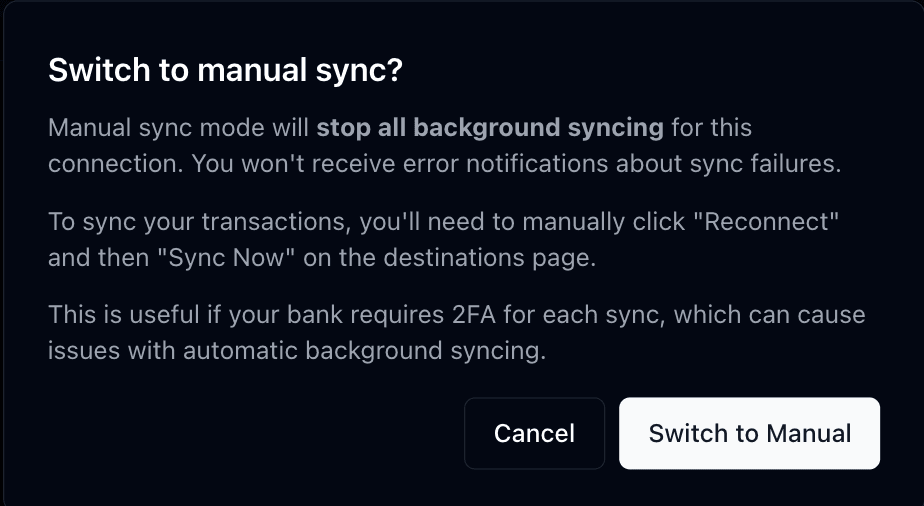
Manual sync mode pauses all automatic background syncing for a connection. Lunch Flow makes no automatic reconnection attempts and no automatic data pulls. You trigger syncs yourself from the connection page whenever you want fresh data.
Effect on notifications
Switching to manual sync also stops the connection error notification emails for that connection.
This is helpful for unstable connections. In regions without an open banking framework, such as Canada, connections rely on less stable screen-scraping methods and can disconnect often. Manual sync stops the repeated error emails while you sync on your own schedule.
When to use it
- Banks that require two-factor authentication on each sync
- Connections that frequently disconnect due to provider instability
- When you want full control over when your data syncs
- Accounts you check infrequently and don't need real-time data for
How syncing works
With manual sync on, nothing runs in the background. Open the connection page and trigger a sync whenever you want up-to-date data.
How is this guide?